Top of Page
Skip to Content
Navigation
Shortcut Links
Parents
Students
Community
Staff
Translation widget
Toggle Search
Search
Close
Main Navigation
Schools
Schools Overview
Apply and Enroll
Enrollment Requirements
Grade Levels Served
Pre-K (Ages Birth-5)
Elementary (Grades K-8)
High School (Grades 9-12)
Find a School
School Info Map
Virtual Academy
Re-Engagement to High School
Networks
More About Schools
Close Schools Subnav
Academics
Academics Overview
Educational Standards
Student Assessments
Getting to the Next Grade
Graduation Requirements
College Credit
Academic Enrichment Opportunities
Language and Culture
Getting Back on Track
Freshman Connection
Service Learning
Supportive Schools
STEM
Career and Technical Education
Work-Based Learning
Sports
Close Academics Subnav
Services
Services and Supports Overview
College and Career Planning (Grades 6-12)
Learn.Plan.Succeed
SchooLinks Planning Tool
Financial Aid
Events Calendar
High School Planning
Student Records and Transcripts
Parent and Student Portal
Health and Wellness
Health Forms for Parents and Caregivers
Health Resources
Mental Health
Connecting to Medicaid and SNAP (CFBU)
COVID-19 Resources
School Meals and Nutrition
Weather Guidelines
Transportation Services
Student Safety and Security
Safe Passage Program
School Crisis Management Response
Emergency Management Plans
CPS Student Safety Center
CPS Background Check Process
Crisis Support
Students in Temporary Living Situations
Safe Haven Programs
Pregnant and Parenting Students
Special Education
Understanding Special Education
Early Screenings and Interventions
Services and Programs
Related Service and Providers
District Action Plan with ISBE
School Facilities
Language and Cultural Supports
Foreign Student Services
Parent Engagement
Bilingual Advisory Committees (BACs)
Community Relations Representatives
Parents of Diverse Learners
Volunteer Programs
Family and Community Engagement (FACE) Managers
Parent University
Back to School Information
Homeschooling
Attendance and Truancy
Close Services Subnav
Initiatives
Calendar
Blog
About
About Overview
Department Directory
Blueprint
Leadership
Pedro Martinez, Chief Executive Officer
Executive Leadership
Network Leadership
Principal Advisory
Stats and Facts
District Data
Metrics
Conduct Primary Research
Demographics
Health Data
Charter, Contract, and Options Data
Freedom of Information Act (FOIA)
Finance
Annual Financial Report
Budget
Capital Plan
Emergency Relief Funding
Local School Councils (LSCs)
LSC Elections
Non-District School Management
School Transitions
Chicago Board of Education
Policies
Policies & Rules Search
Proposed Policies or Rule Changes Open for Public Comment
Student Code of Conduct Policy
Reporting Harassment, Misconduct, or Abuse
Acceptable Use Policy
Administrative Hearings
Former Employees
Student Online Personal Protection Act
Ethics
Protecting Chicago's Students
Non-Discrimination Statement
Remote Access
Website Accessibility
What's New on CPS.edu
Close About Subnav
Navigation
Open Navigation
Close Navigation
Search
Search
Main Navigation
Schools
View Schools Subnav
Close Schools Subnav
Schools
Close Navigation
Apply and Enroll
View Schools Subnav
Close Apply and Enroll Subnav
Apply and Enroll
Close Navigation
Enrollment Requirements
Grade Levels Served
View Schools Subnav
Close Grade Levels Served Subnav
Grade Levels Served
Close Navigation
Pre-K (Ages Birth-5)
Elementary (Grades K-8)
High School (Grades 9-12)
Find a School
School Info Map
Virtual Academy
Re-Engagement to High School
Networks
More About Schools
Academics
View Academics Subnav
Close Academics Subnav
Academics
Close Navigation
Educational Standards
Student Assessments
Getting to the Next Grade
Graduation Requirements
College Credit
Academic Enrichment Opportunities
Language and Culture
Getting Back on Track
Freshman Connection
Service Learning
Supportive Schools
STEM
Career and Technical Education
Work-Based Learning
Sports
Services
View Services Subnav
Close Services Subnav
Services
Close Navigation
College and Career Planning (Grades 6-12)
View Services Subnav
Close College and Career Planning (Grades 6-12) Subnav
College and Career Planning (Grades 6-12)
Close Navigation
Learn.Plan.Succeed
SchooLinks Planning Tool
Financial Aid
Events Calendar
High School Planning
Student Records and Transcripts
Parent and Student Portal
Health and Wellness
View Services Subnav
Close Health and Wellness Subnav
Health and Wellness
Close Navigation
Health Forms for Parents and Caregivers
Health Resources
Mental Health
Connecting to Medicaid and SNAP (CFBU)
COVID-19 Resources
School Meals and Nutrition
Weather Guidelines
Transportation Services
Student Safety and Security
View Services Subnav
Close Student Safety and Security Subnav
Student Safety and Security
Close Navigation
Safe Passage Program
School Crisis Management Response
Emergency Management Plans
CPS Student Safety Center
CPS Background Check Process
Crisis Support
View Services Subnav
Close Crisis Support Subnav
Crisis Support
Close Navigation
Students in Temporary Living Situations
Safe Haven Programs
Pregnant and Parenting Students
Special Education
View Services Subnav
Close Special Education Subnav
Special Education
Close Navigation
Understanding Special Education
Early Screenings and Interventions
Services and Programs
Related Service and Providers
District Action Plan with ISBE
School Facilities
Language and Cultural Supports
Foreign Student Services
Parent Engagement
View Services Subnav
Close Parent Engagement Subnav
Parent Engagement
Close Navigation
Bilingual Advisory Committees (BACs)
Community Relations Representatives
Parents of Diverse Learners
Volunteer Programs
Family and Community Engagement (FACE) Managers
Parent University
Back to School Information
Homeschooling
Attendance and Truancy
Initiatives
Calendar
Blog
About
View About Subnav
Close About Subnav
About
Close Navigation
Department Directory
Blueprint
Leadership
View About Subnav
Close Leadership Subnav
Leadership
Close Navigation
Pedro Martinez, Chief Executive Officer
Executive Leadership
Network Leadership
Principal Advisory
Stats and Facts
District Data
View About Subnav
Close District Data Subnav
District Data
Close Navigation
Metrics
Conduct Primary Research
Demographics
Health Data
Charter, Contract, and Options Data
Freedom of Information Act (FOIA)
Finance
View About Subnav
Close Finance Subnav
Finance
Close Navigation
Annual Financial Report
Budget
Capital Plan
Emergency Relief Funding
Local School Councils (LSCs)
View About Subnav
Close Local School Councils (LSCs) Subnav
Local School Councils (LSCs)
Close Navigation
LSC Elections
Non-District School Management
School Transitions
Chicago Board of Education
Policies
View About Subnav
Close Policies Subnav
Policies
Close Navigation
Policies & Rules Search
Proposed Policies or Rule Changes Open for Public Comment
Student Code of Conduct Policy
Reporting Harassment, Misconduct, or Abuse
Acceptable Use Policy
Administrative Hearings
Former Employees
Student Online Personal Protection Act
Ethics
Protecting Chicago's Students
Non-Discrimination Statement
Remote Access
Website Accessibility
What's New on CPS.edu
Focus On
Parents
Students
Community
Staff
Translation widget
Error
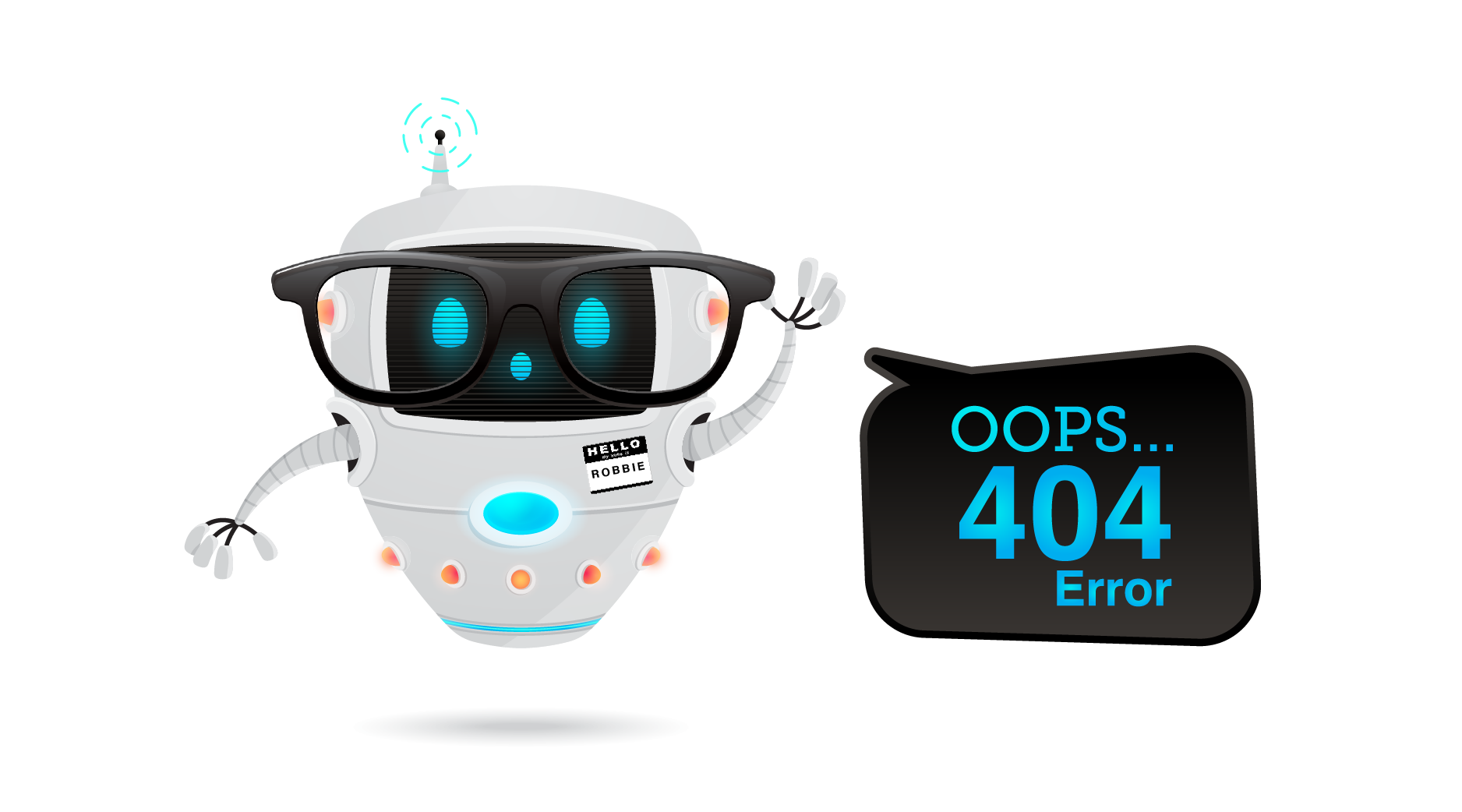
404 Error
Uh-oh! Looks like Robbie the Robot lost our web page...
Please try our search page to find what you're looking for.
Return to Home page
RETURN TO SEARCH